With over 91% of online searches, Google is easily the most important platform for businesses to tap into for increased engagement and sales.
Even better, Google has created a simple way for you to get your business information in front of the masses with Google Business Profile.
Formerly known as Google My Business, the feature allows you to create a Google Business listing reminiscent of the yellow, thin pages of a local phone book.
Let’s list your business on Google to help increase traffic to your front door!
What is a Google Business Listing?
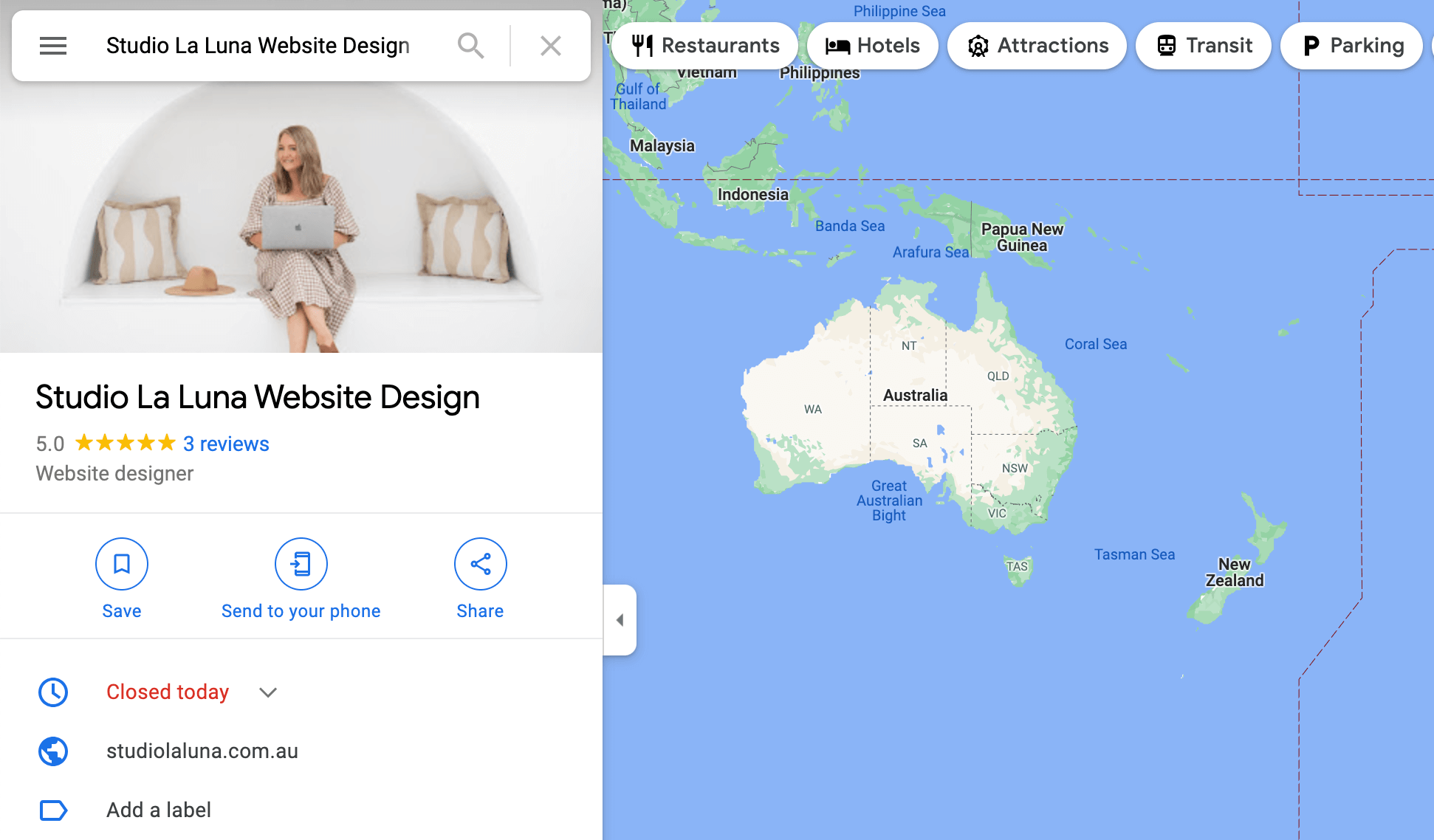
If you’ve completed a search on Google, it’s very likely that you noticed business listings either to the right of the search result screen or directly underneath the search bar depending on the device you’re using.
The listings you see are Google Business Profiles or Google Business listings.
Your business listing, depending on how much information you provide, will give potential customers your business location, phone number, hours, services, products, and more.
Of note, however, Google Business listings are only available for businesses who have in-person contact with customers. If you have a digital only business, you can utilize Google’s other tools like Google Ads or Google Analytics.
Why Create a Google Business Listing?
Of course with Google being the number one search engine in the world, creating a business listing on the platform will only benefit you. However, there are a few more benefits to creating a Google Business profile that you may not realize.
SEO Boost
Your Google Business listing will greatly improve your local SEO. Not only will your business appear within search results, but it will also likely show on Google Maps when people search for businesses close to your physical location or related to your business.
Reviews Reign Supreme
In addition to an SEO boost, your business can also benefit from customer reviews left on your Google Business profile. Word-of-mouth continues to be one of the best free marketing tools with 90% of people more willing to trust a recommended brand, even if the reviewers are strangers. Google also determines search ranking based on how well-known a business is with reviews being one of the factors.
How to List Your Business on Google
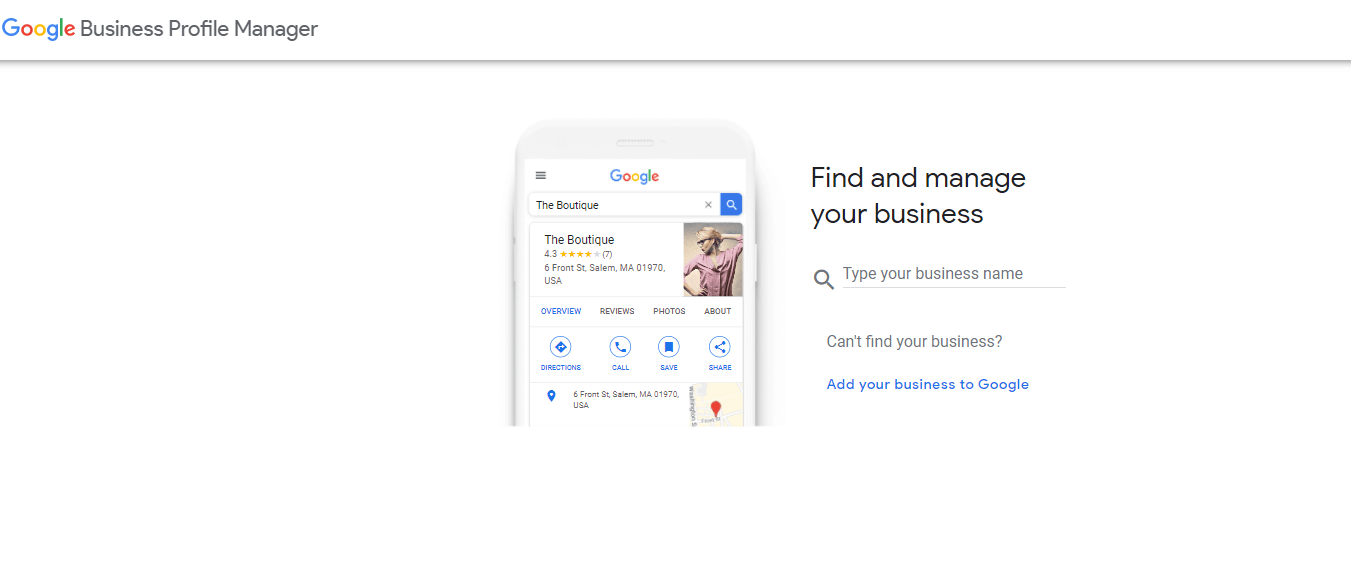
Now, let’s get your business on Google!
- Navigate to https://business.google.com/create/new
- Click Add your business to Google
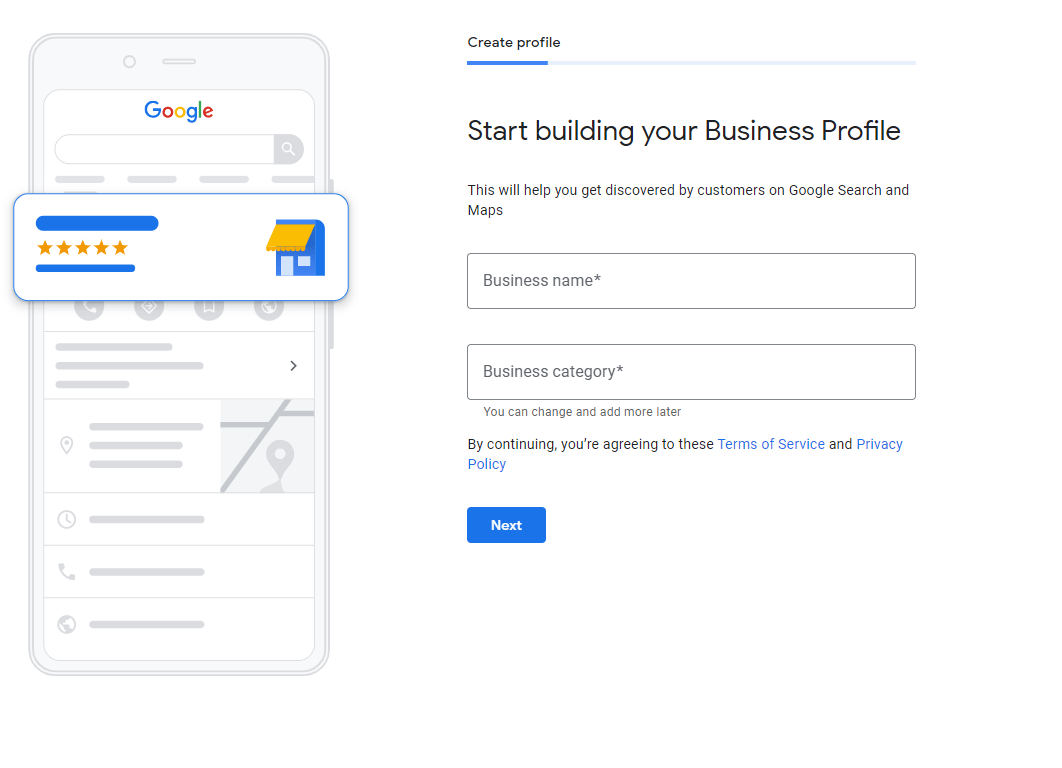
- Enter your business name and business category. Then click Next.
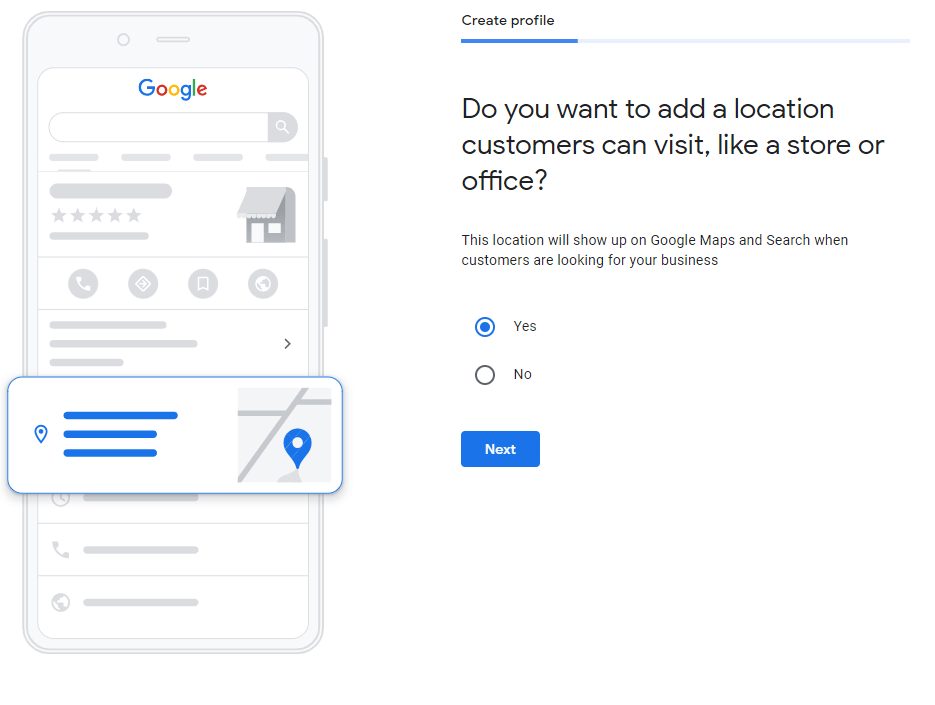
- Indicate whether you want customers to see your location or not. Then click Next.
- Add your address if you selected yes. Then click Next.
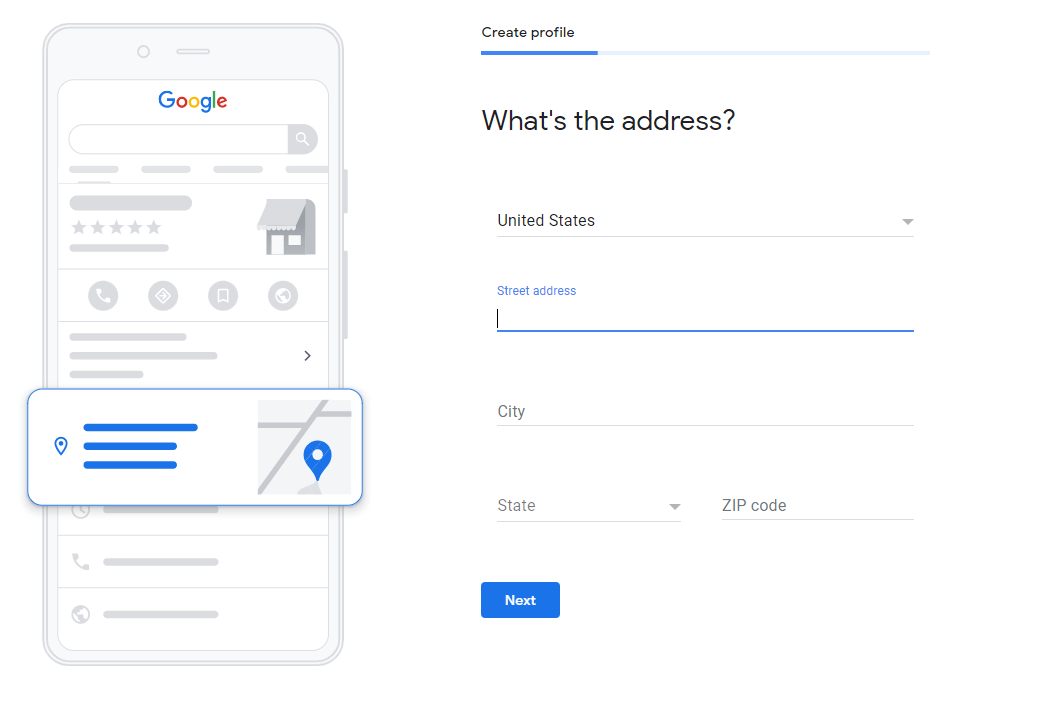
- Indicate if you will provide deliveries or home office visits. Then click Next.
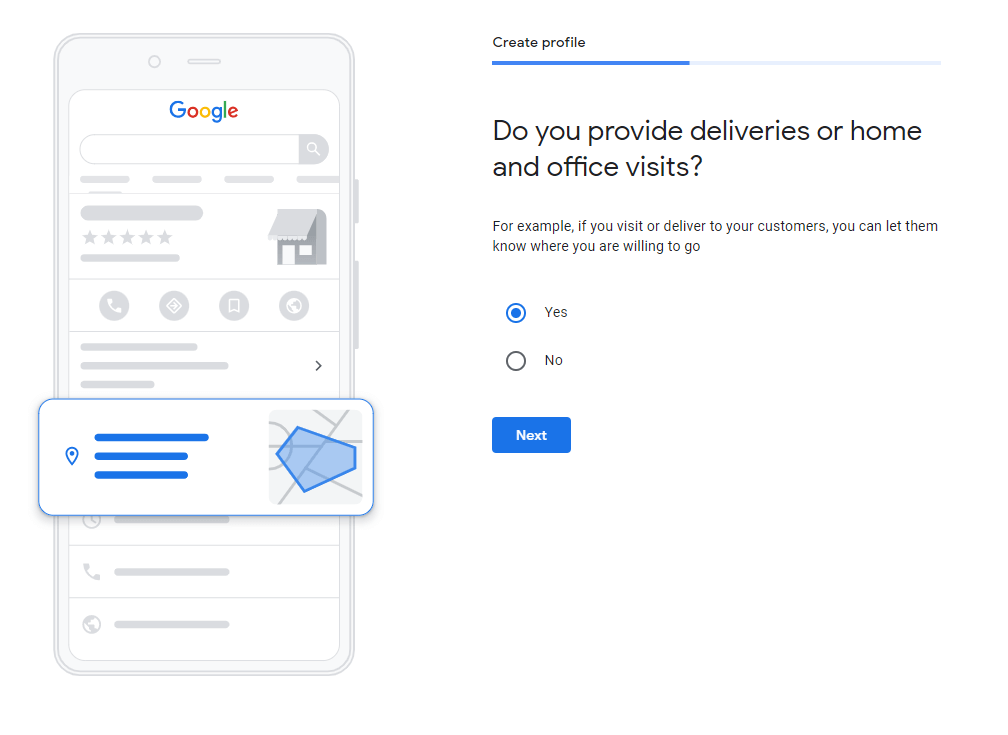
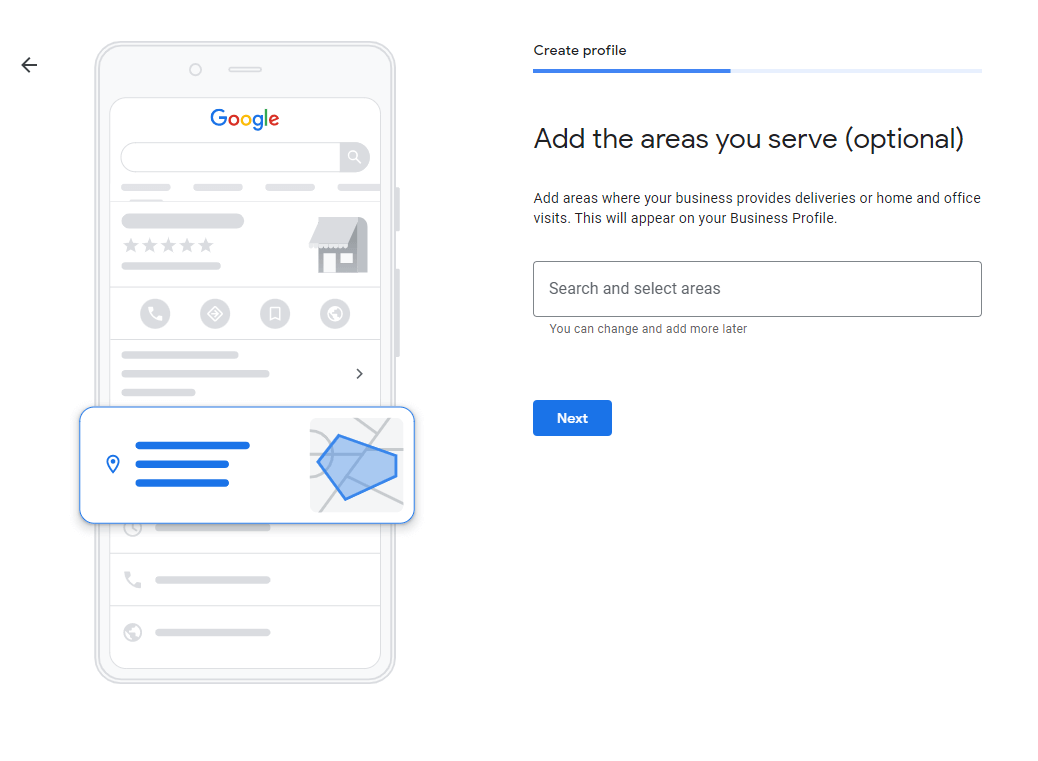
- Add the areas you serve. This is important if you do provide delivery services or home visits as it will tell people how far you will travel. Then click Next.
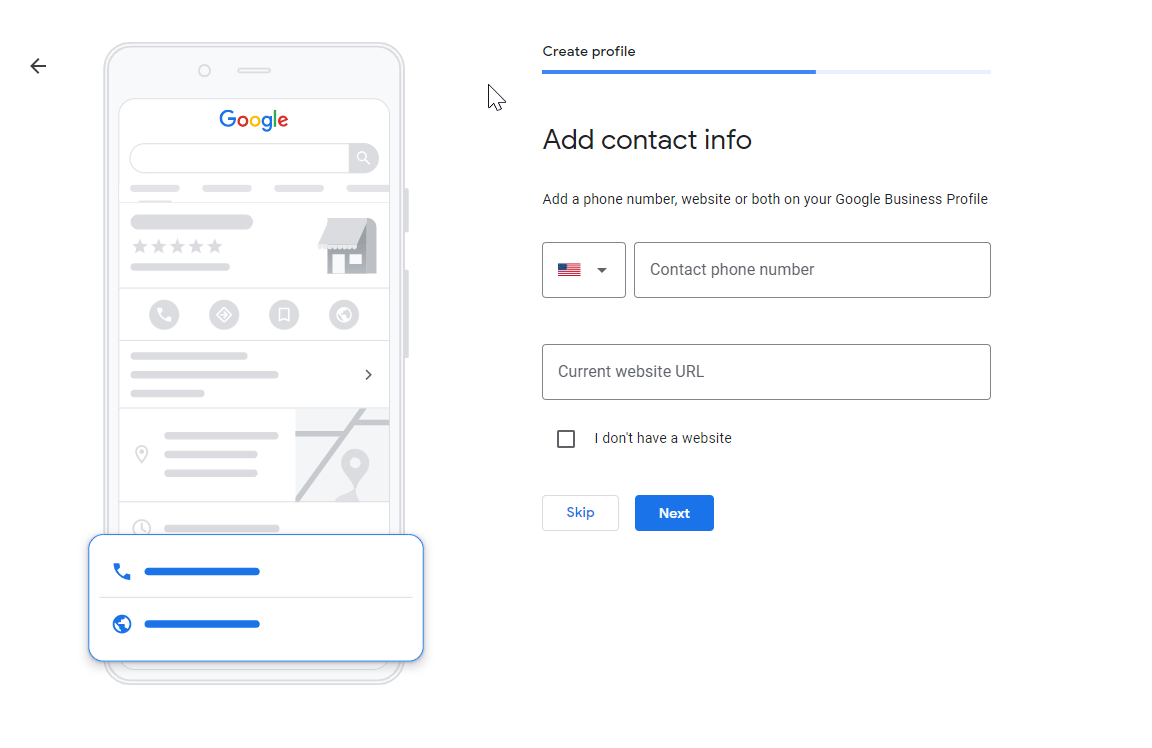
- Add your business phone number and your business website. This is important because it will allow people to contact you and direct them to your website. Then click Next.
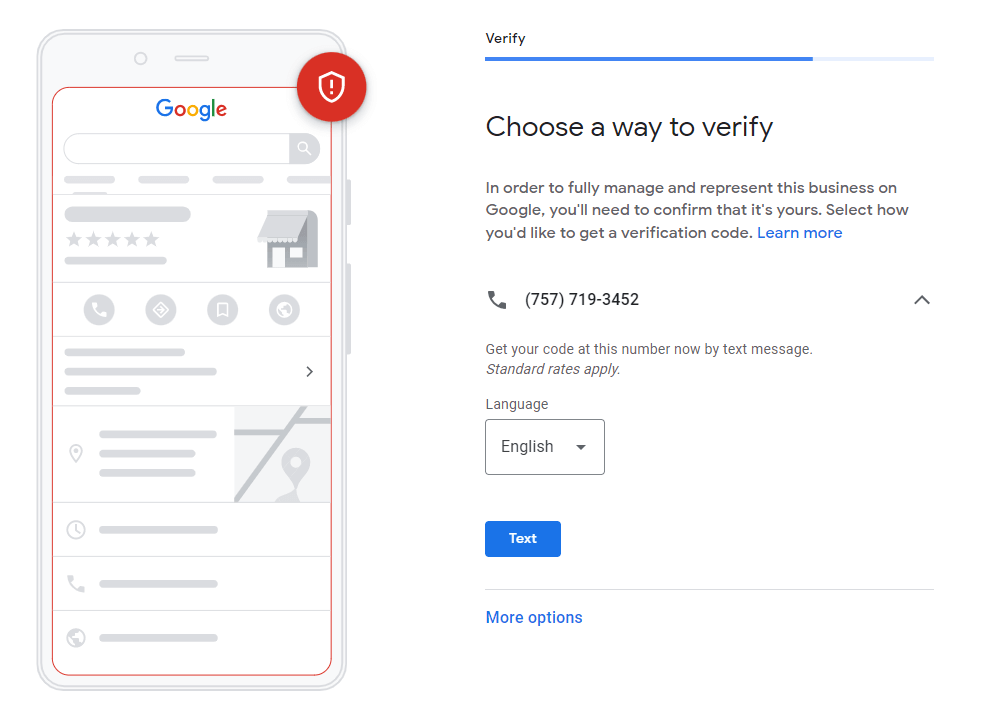
- Next you’ll need to verify your business. If you entered a mobile number, Google will send you a verification code. However, by clicking More options, you can choose another way to verify if the mobile number route isn’t the right option for you.
- Once you complete the verification process, you will be taken to your Google Business Profile where you can complete your listing by entering business hours, your business description, photos, and more!
I hope this was helpful! I encourage you to explore my blog for more helpful business tips!