Well hey there!
If you are here, you might have swiped my Instagram Link In Bio Template for the Divi theme. Go you!
If you have no idea what I am talking about, I am giving my subscribers a chance to download my very own Link in Bio page for FREE! You can find the free download page here.
Step 1: Create a New Page
Create a new page on your website and give it a name that is easily identifiable. Some options might be:
- Link In Bio
- Quick Links
- Instagram Links
- Social Links
Step 2: Import the Template
Publish the page and launch the Divi Visual Builder.
Choose the ‘Build from scratch’ option and start building.
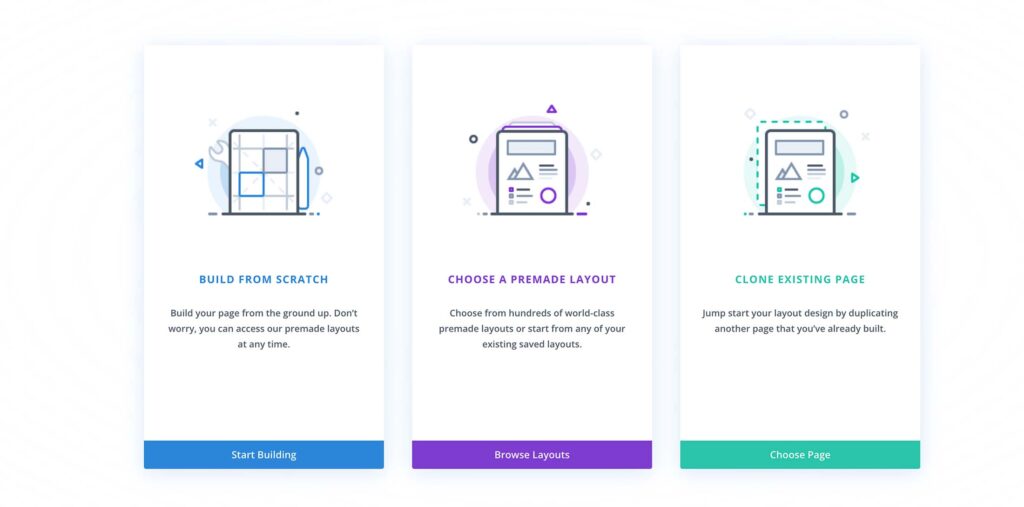
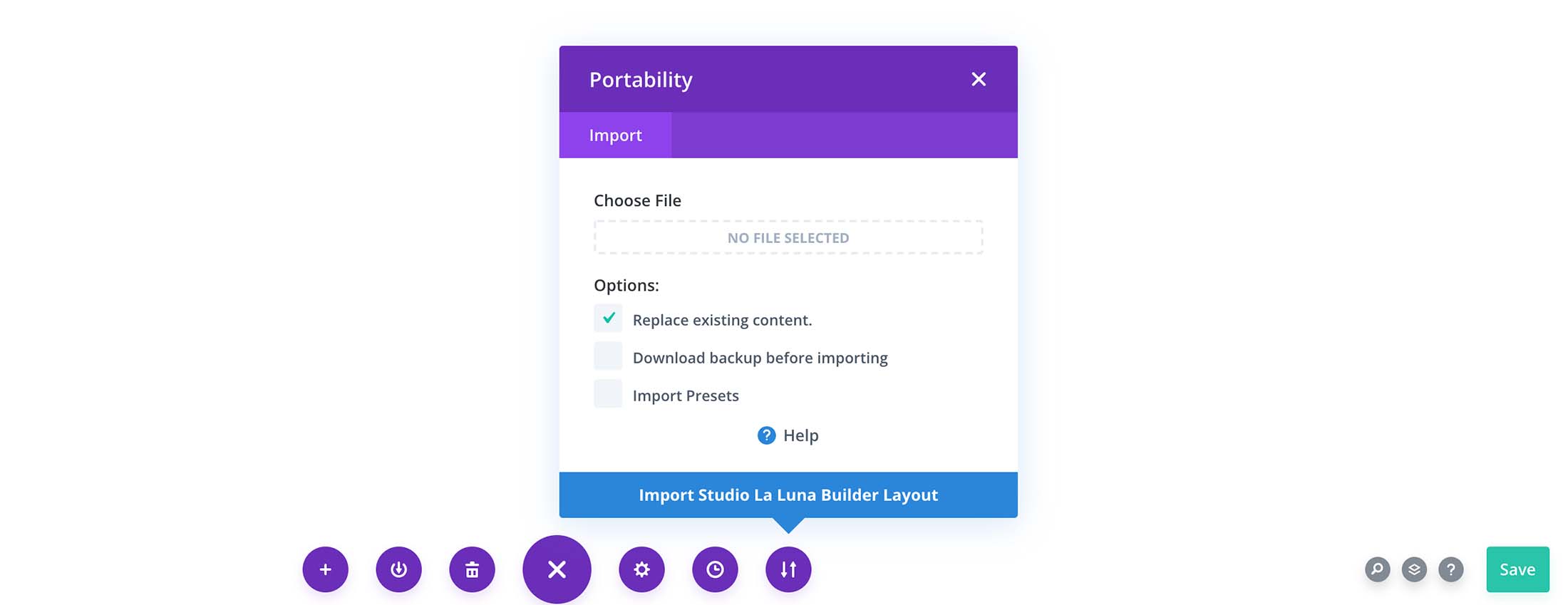
Open the bottom pop out menu by clicking on the 3 dots in the purple circle. Choose the ‘Portability’ option.

Select Import.
Choose the .json file provided in my template download and select ‘Import layout’.
Step 3: Customise to suit your branding
Once the design has loaded, click the SAVE button.
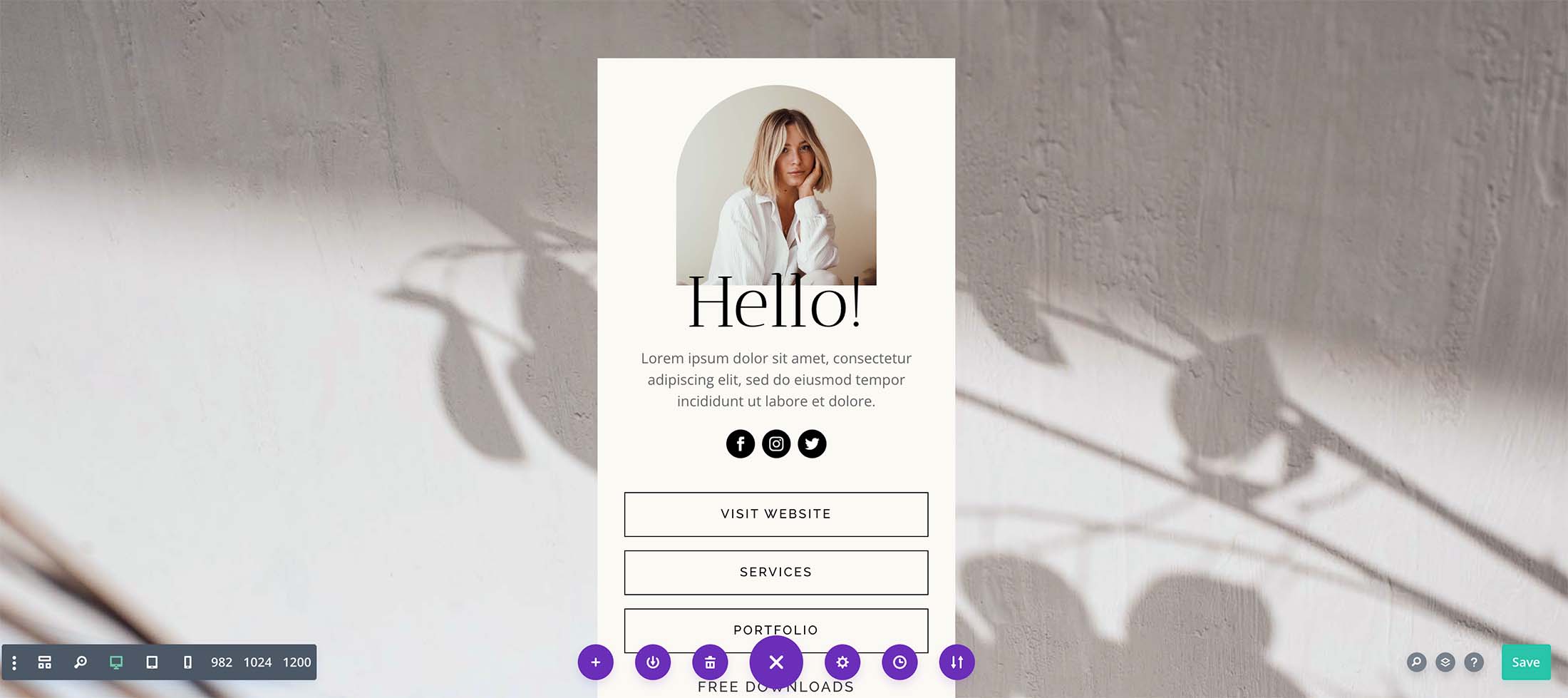
You can now begin to customise the design to suit your business and branding by chancing colours, images and button links.
To find out more about importing Div page layouts, visit the Elegant Themes blog here.
Don’t have Divi? Get a lifetime license with Elegant Themes for their Div builder here.
“Disclosure: Some of the links in this post are “affiliate links.” This means if you click on the link and purchase the item, I will receive an affiliate commission.”